
Coinbase Wallet browser extension: what it does and how it works
Coinbase Wallet is the exchange's self-custody wallet, separate from a Coinbase account. A plain guide to the extension, its networks, fees and risks.
Product details
| Made by | Coinbase, Inc. |
|---|---|
| Launched | Not confirmed in our sources |
| Networks | Bitcoin, Ethereum, Solana, Base, Arbitrum, Optimism, Polygon, BNB Chain, Avalanche and more |
| Browsers | Chrome, Brave |
| Mobile app | iOS and Android |
| Hardware wallets | Ledger |
| Built-in swaps | Yes. Fee of up to 1% plus network fees |
| Open source | Not stated |
| Custody | Self-custody. Separate from a Coinbase exchange account |
What you can do with it
| Feature | Available | Notes |
|---|---|---|
| Send and receive | Yes | Bitcoin, Ethereum, Solana and Ethereum-style networks |
| Transfers from a Coinbase account | Yes | Link your exchange account |
| Swaps | Yes | Up to 1% fee |
| Scam token hiding | Yes | Coinbase hides tokens it detects as scams |
| Ledger support | Yes | In the extension |
| Custom networks | Yes | Add them by hand |
| No-seed-phrase smart wallet | Partly | Mobile app only |
| Futures and prediction markets | Partly | In the app, in some countries only |
Screenshots
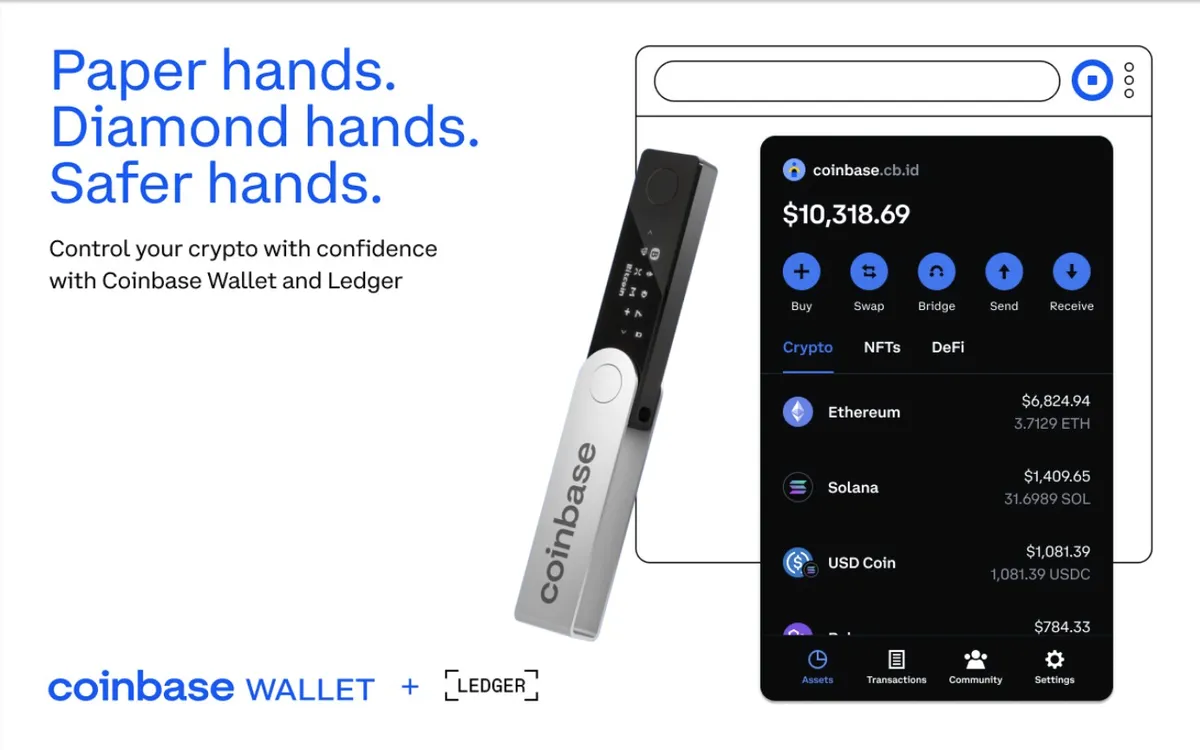
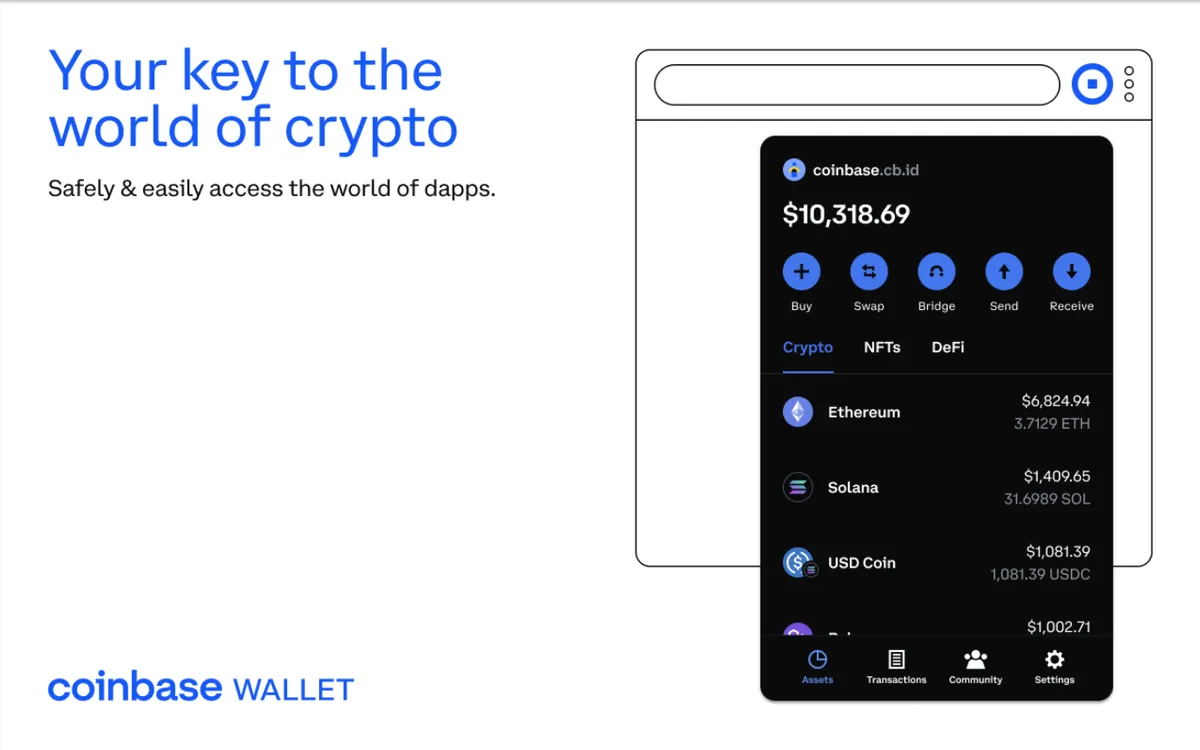
Coinbase Wallet is a self-custody wallet made by Coinbase, the US exchange. It is a separate product from a Coinbase exchange account: the exchange holds coins for you, while Coinbase Wallet gives you the keys. Lesson 24 explains the difference.
Who makes it
Coinbase, Inc. The wallet has a browser extension and a mobile app. In July 2025 Coinbase renamed the app Base App and turned it towards social features. In September 2026 it changed the name back to Coinbase Wallet and refocused it on trading across many networks.
What you can do with it
Hold and send crypto. The wallet supports Bitcoin, Ethereum, Solana and many Ethereum-style networks, including Base, Arbitrum, Optimism, Polygon, BNB Chain and Avalanche. You can add custom networks. It does not support coins such as XRP or Stellar.
Move funds from your Coinbase account. You can link a Coinbase exchange account and move money between the two. That makes it an easy first self-custody wallet for Coinbase customers.
Swap and bridge. Swaps run through outside exchanges, and Coinbase Wallet adds a fee of up to 1%. Check the quote before you confirm.
Use crypto apps. The extension connects to apps like any other browser wallet. Coinbase says it hides tokens it detects as scams.
Use a Ledger. The extension works with Ledger devices, so the keys stay on the hardware.
Trade newer products. Since 2026 the app also offers perpetual futures and prediction markets in some countries. These are high-risk, and availability depends on where you live.
What it is less good at
The extension runs only in Chrome and Brave. Some features, such as the "smart wallet" that needs no seed phrase, are only in the mobile app. Swap fees of up to 1% are among the higher ones. And the repeated renaming has made it confusing to find the right product.
Is it safe?
The wallet is self-custody: Coinbase does not hold your keys and cannot recover a lost seed phrase. That is different from your Coinbase account, where Coinbase does hold the coins. Do not confuse the two when you think about backups.
Scammers often pose as Coinbase support. Coinbase will never ask for your seed phrase. Install the extension only through coinbase.com.
Who it suits
Coinbase customers who want their first self-custody wallet with easy transfers from the exchange. People who swap often may find cheaper options.
Setting it up safely
- Install from the source. Go to coinbase.com yourself, by typing the address, and follow its link to your browser's extension store. Do not use search ads or links from messages. On the store page, check the publisher name and the number of users.
- Write the seed phrase on paper. Coinbase Wallet shows it once when you create a wallet. Write every word in order and keep it offline. Lesson 30 shows how, and our free backup card helps.
- Never type the phrase anywhere else. No genuine site, support agent or app update will ask for it.
- Start small. Send a small amount first and check it arrives before moving more.
- Review connections. From time to time, remove app connections and token approvals you no longer use.
How it compares
Compared with MetaMask, Coinbase Wallet offers easy transfers from a Coinbase account but runs in fewer browsers and can charge more on swaps (up to 1% against 0.875%). Exchange customers of OKX have a similar product in OKX Wallet. See also the MetaMask guide.
Coinbase Wallet is Coinbase's self-custody wallet, separate from an exchange account and easy to fund from one. It covers Bitcoin, Ethereum, Solana and more, but the extension runs only in Chrome and Brave and swaps can cost up to 1%.
These guides describe what each wallet does. They are not recommendations, and none of these companies paid to be listed. Never type your seed phrase into a website, and install wallets only through the maker's own site.
Sources
- Cryptonews: Coinbase Wallet review
- The Block: Coinbase rebrands Base App back to Coinbase Wallet (September 2026)
- Microsoft Edge Add-ons: Coinbase Wallet extension
Checked against these sources on 13 October 2026.
The course by email
Five short emails to get you started, each built on one lesson. After that, one short email a month about what is new. No price tips and no hype.
Free. Unsubscribe any time. See our privacy notice.
Want your progress saved too? Create a free account.